
One platform — endless possibilities
Speed, stability and control — the foundation of your trading.
Learn More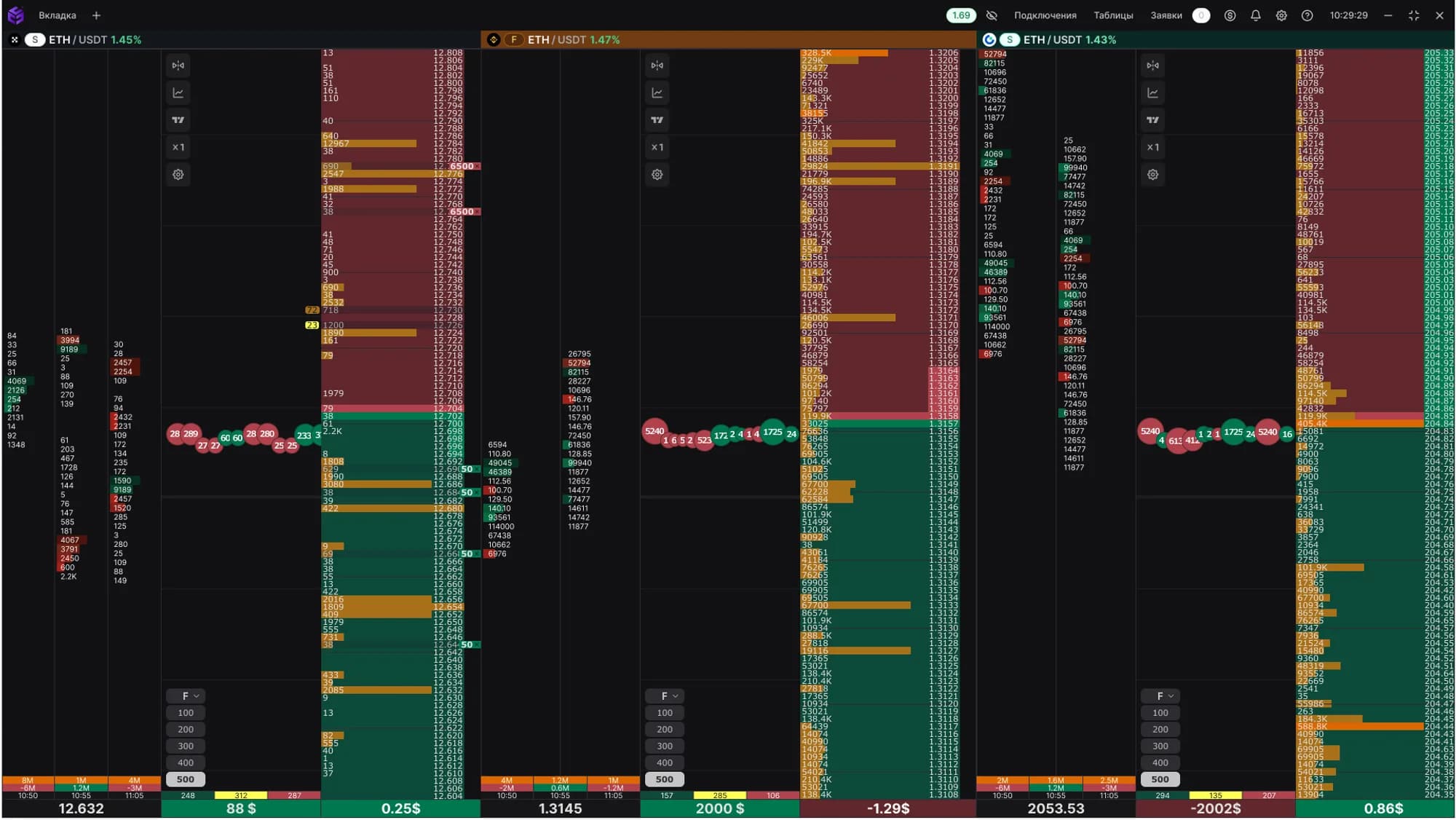
Spectre Broker
About us:
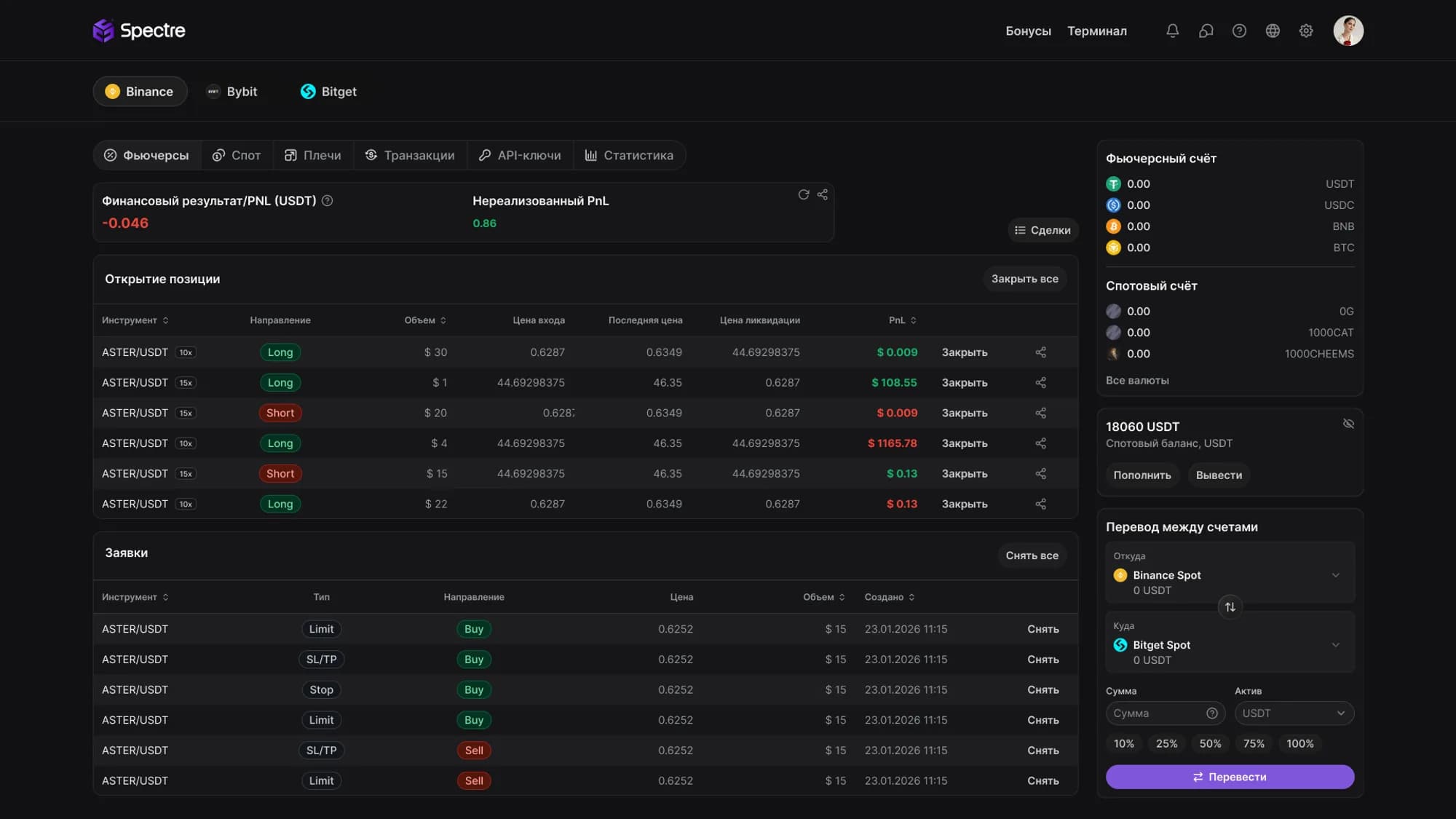
Spectre Broker provides access to a professional trading infrastructure with multi-exchange support, advanced analytics, and a convenient interface for comfortable trading in the digital asset market.
Our goal:
Provide a transparent, modern and convenient infrastructure for crypto trading.
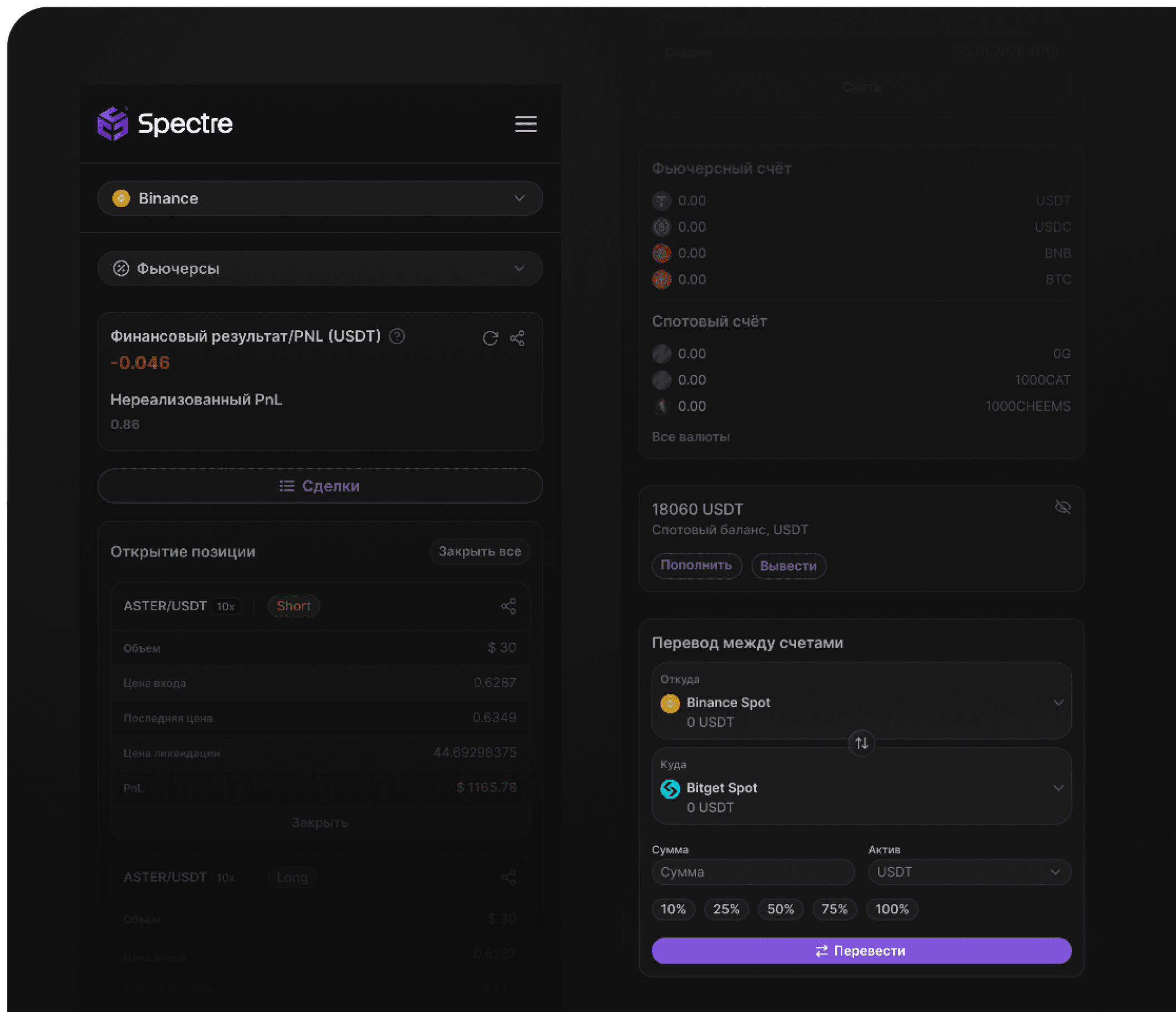

A platform that unites markets. Speed that turns decisions into an edge. One interface — multiple exchanges, maximum speed and full control.
Why choose us:
We provide access to professional trading infrastructure with conditions for efficient, comfortable, and secure digital asset trading with reduced fees.
Users get access to:
- Professional trading infrastructure
- Multi-exchange trading
- Intuitive interface
- Advanced analytics
- Reduced fees
Your reliable access to the crypto market.
Getting started with the platform is simple - all you need to do is follow a few simple steps:
How to start:
- Sign up on the platform
- Complete KYC (Identity Verification)
- Create API access keys
Spectre Terminal
About us:
Spectre Terminal Professional trading terminal for those who trade, not wait. For traders who value speed, control and order.
Install the terminal and start trading at maximum speed right now.
- Download for macOSFull compatibility
- Download for Windows 10 and aboveFull compatibility
Advantages and features:
A professional trading terminal with multiview, instant response with no delays, and access to all exchanges — DEX, CEX, and MOEX.
Users get access to:
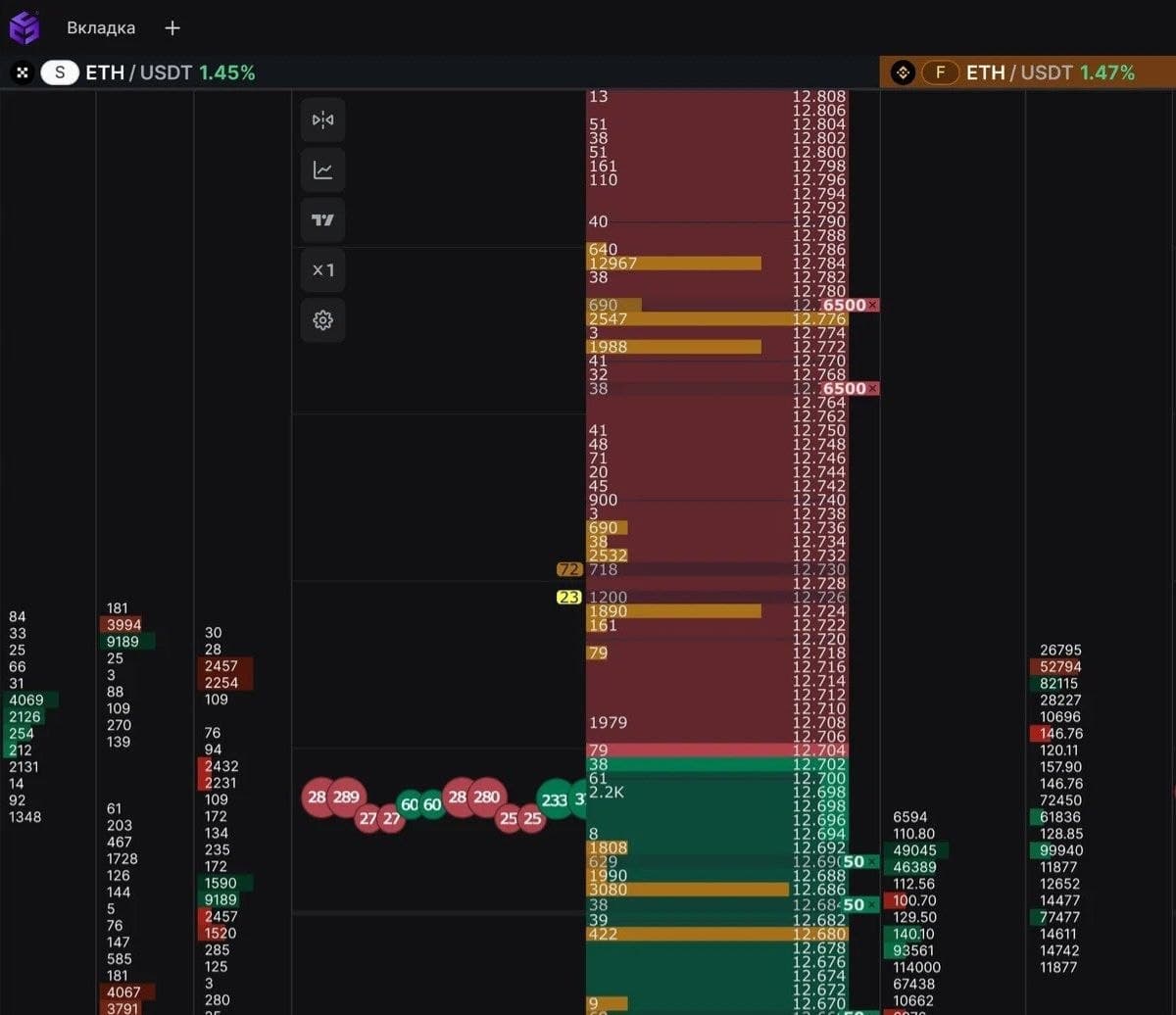
Instant order book and chart response
No delays at critical moments — all data updates in real time, consistently ensuring precise action in a dynamic market.
Multi-exchange Screener
A real-time analysis tool that lets you track the market across different exchanges and quickly spot trading opportunities.
Multi-asset
A single platform for working with different markets and trading instruments. Manage all your assets from one interface.
Practical interface
A modern visual style and thoughtful UI/UX ensure comfortable and efficient work.
Knowledge Center
The knowledge center brings together training materials and practical guides that help you master the platform faster and improve your trading skills. Materials are regularly updated and expanded with new guides and educational articles.
FAQ: Broker
How do I open a trading account?
Create an account and complete verification — start trading in just a few minutes.
What documents are required for registration?
Use any valid document to verify your identity. A fast and simple process with no extra steps.
How long does account verification take?
From a couple of minutes to a few hours in some cases. Market access opens almost immediately.
How do I fund a brokerage account?
Top up your account in a couple of clicks via convenient and secure payment methods Go to Deposits, select the coin and transfer network, then send funds to the specified wallet address or scan the QR code. Crediting occurs almost instantly and depends on network load.
Which markets are available through the broker?
Trade on Binance, Bybit, Bitget and OKX at once — without switching between platforms.
FAQ: Terminal
How do I connect an account to the terminal?
Enter the API keys in the terminal, establish the connection and wait for it to be successfully established – once this is done, the account will be connected.
Which operating systems can I install the terminal on?
The terminal is available for Windows and macOS — work on any system you like.
Can I trade on several exchanges at once?
Yes — trade across different markets from a single interface without extra switching.
How do I customize the interface?
Create windows, tabs, groups of charts and order books, customize color themes, element size, and interface language — the terminal adapts to your working style.
Is multi-monitor support available?
Yes — distribute order books, charts and quotes across several screens for full control.
Are there delays in data or order execution?
No — order books and charts update instantly, even during high volatility.